Filter Replacement
Replacement Interval: 3-6 Months
Filtering efficiency decreases over time as the carbon becomes saturated.
The usage counter
The enclosure keeps track of this for you. It counts hours that the filter fan actually ran, not hours the enclosure was powered on. Idle time does not count, and neither does the cooling fan or the extra fan. Automatic mode counts too, whenever the fan is actually spinning.
You will find the counter on the Settings page. When it passes the warning threshold, a replace icon appears on the screen. It is a reminder and nothing more, so the enclosure keeps running normally.
The default threshold is 600 hours, which is roughly 25 days of continuous filtering. You can
change it with sensorUsageWarnHours in data.clu, or set it to 0 to turn the warning off
entirely. See Configuration.
The counter is stored in the mainboard’s own memory, so it survives power cuts and firmware updates. It is saved every 15 minutes rather than continuously, so pulling the plug can lose up to 15 minutes of runtime. That keeps the memory from wearing out.
Steps
- Remove the filter covers from the back panel of the enclosure.
- Remove the old filter.
- Insert the new filter (ensure correct orientation!).
- Reset the usage counter on the touchscreen Settings page.
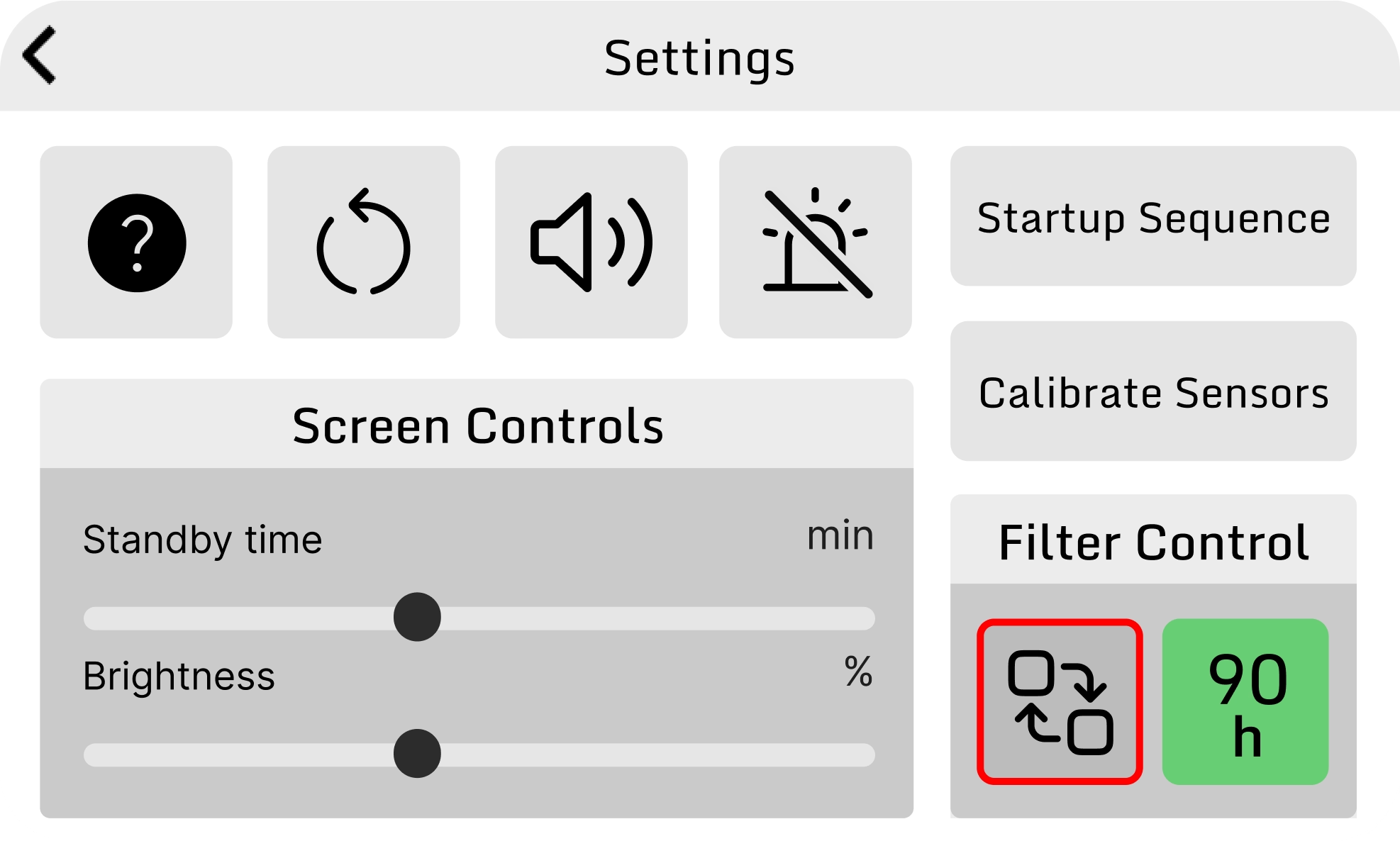
Resetting the counter is the only thing that clears the replace icon. Nothing resets it automatically, so if you skip step 4 the warning stays on screen.