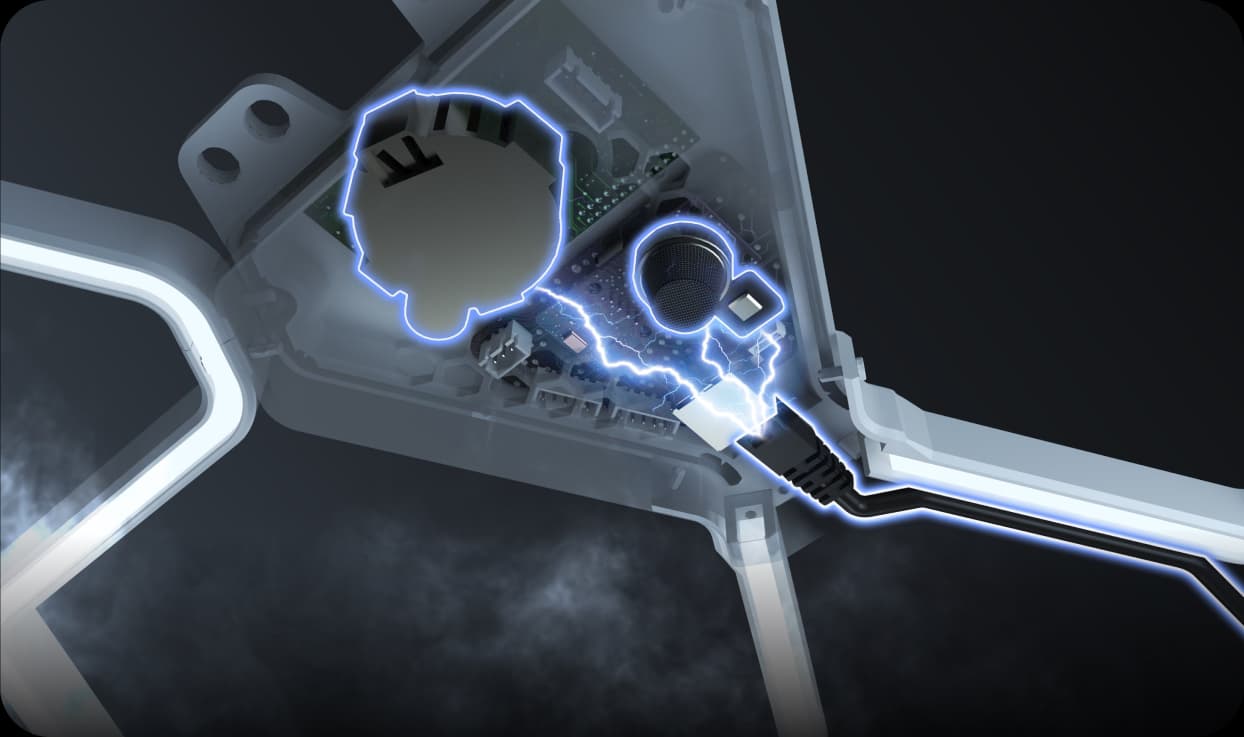
Clura Features
Clura is packed with features designed to enhance your printing experience and safety. Explore below the hardware that makes Clura the smartest enclosure on the market.
1. Advanced Air Filtration
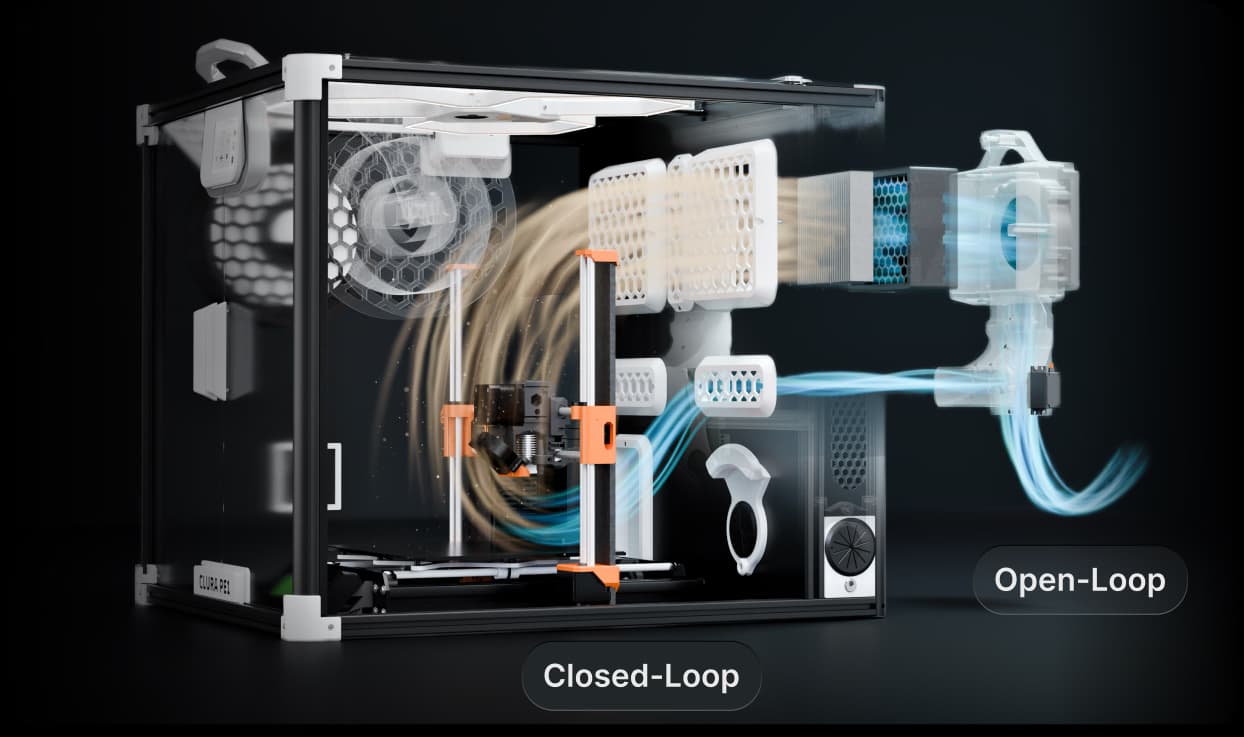
Using a powerful combination of HEPA-Carbon filters, Clura scrubs 95% of UFPs (Ultrafine Particles) and VOCs (Volatile Organic Compounds) from the air. There are two operational modes:
- Auto: The system automatically adjusts the fan speed based on the air quality.
- Manual: The user can manually adjust the fan speed.
There are also two filtration modes, set by a flap in the ducts. Two MG996R servos wired in parallel from a single control signal move it, so both turn together:
- 1. Closed Loop: The system recirculates the air within the chamber.
- 2. Open Loop: The system exhausts the air from the chamber.
You switch between them with the OPEN/CLOSE button on the Fan Control page. After each move the servos are powered down, so they do not buzz or draw current while holding position.
Components table:
| Component | Dimensions |
|---|---|
| HEPA-Carbon Filters | 130mm x 130mm x 60mm |
| Fan | 12032 Blower |
| Servos | MG996R |
2. Filament Weight Sensing
Never run out of filament mid-print again. Integrated Load Cells in the spool holder constantly monitor the remaining weight of your spool and communicate with the UI to give you a precise readout. You simply need to select your spool brand and type in the UI, or calibrate a new custom profile.
The library has 24 slots, 16 of them pre-loaded, which leaves 8 for your own. You can add spools from the touchscreen, or by editing filament.clu on the SD card. See the Filament Library guide.
The pre-loaded spools:
| Brand | Weight |
|---|---|
| Sunlu | 134g |
| Prusament | 198g |
| Bambu Lab | 226g |
| eSUN | 224g |
| PolyMaker | 194g |
| ProtoPasta | 80g |
| Overture | 200g |
| Hatchbox | 225g |
| Amazon Basics | 212g |
| Colorfabb | 202g |
| Matter Hackers | 215g |
| Inland | 178g |
| FormFutura | 184g |
| 3D Jake | 221g |
| GST3D | 206g |
| Voxel | 171g |
3. Touchscreen UI
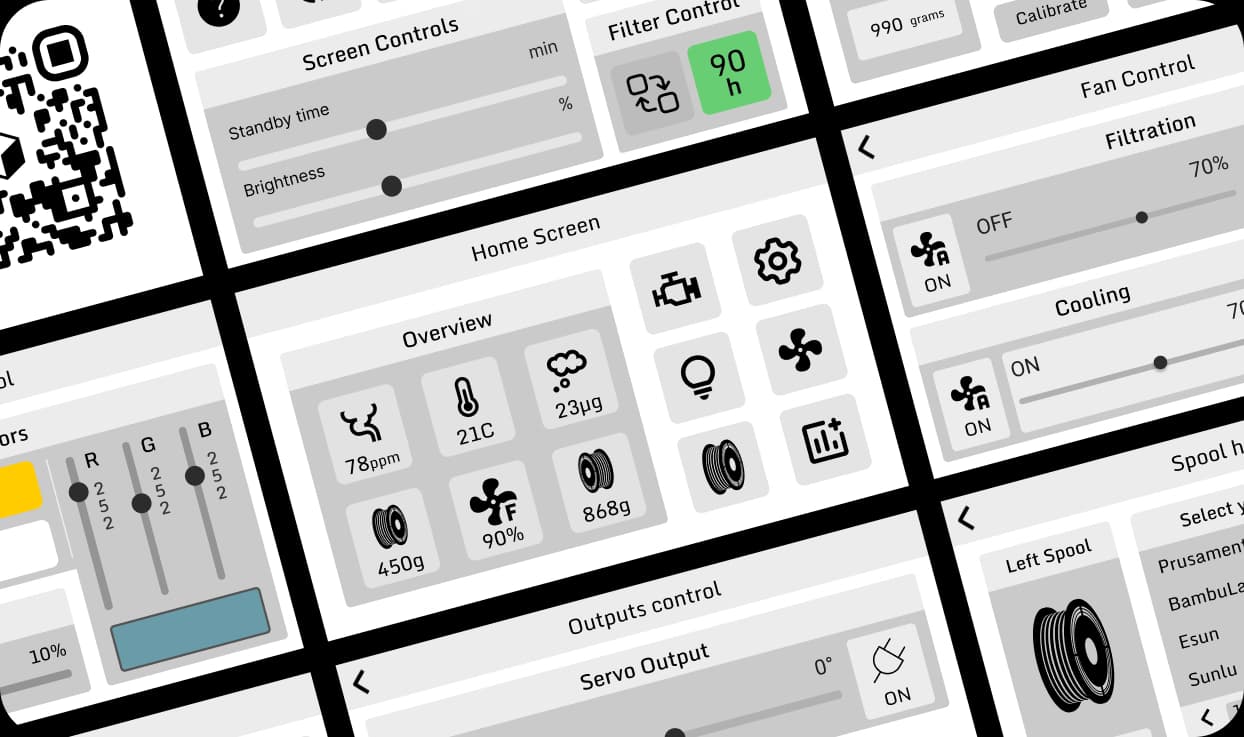
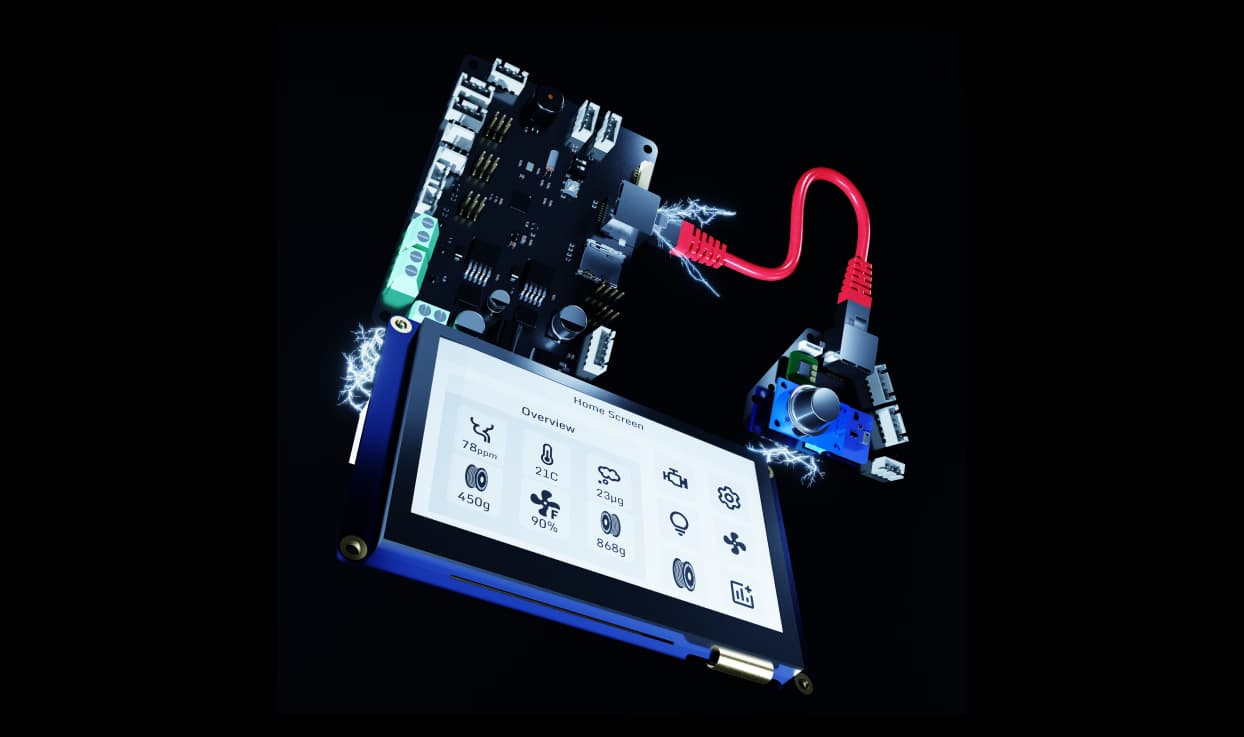
A stunning 4.3-inch TJC Touchscreen gives you full control.
- Monitor real-time temperature and humidity levels.
- Adjust fan speeds for optimal air filtration.
- Track air quality metrics and PM2.5 levels.
- Check remaining filament weight and spool status.
- Tune RGB LED lighting and effects.
- Control servo positions and MOSFET power outputs.
4. RGB Lighting
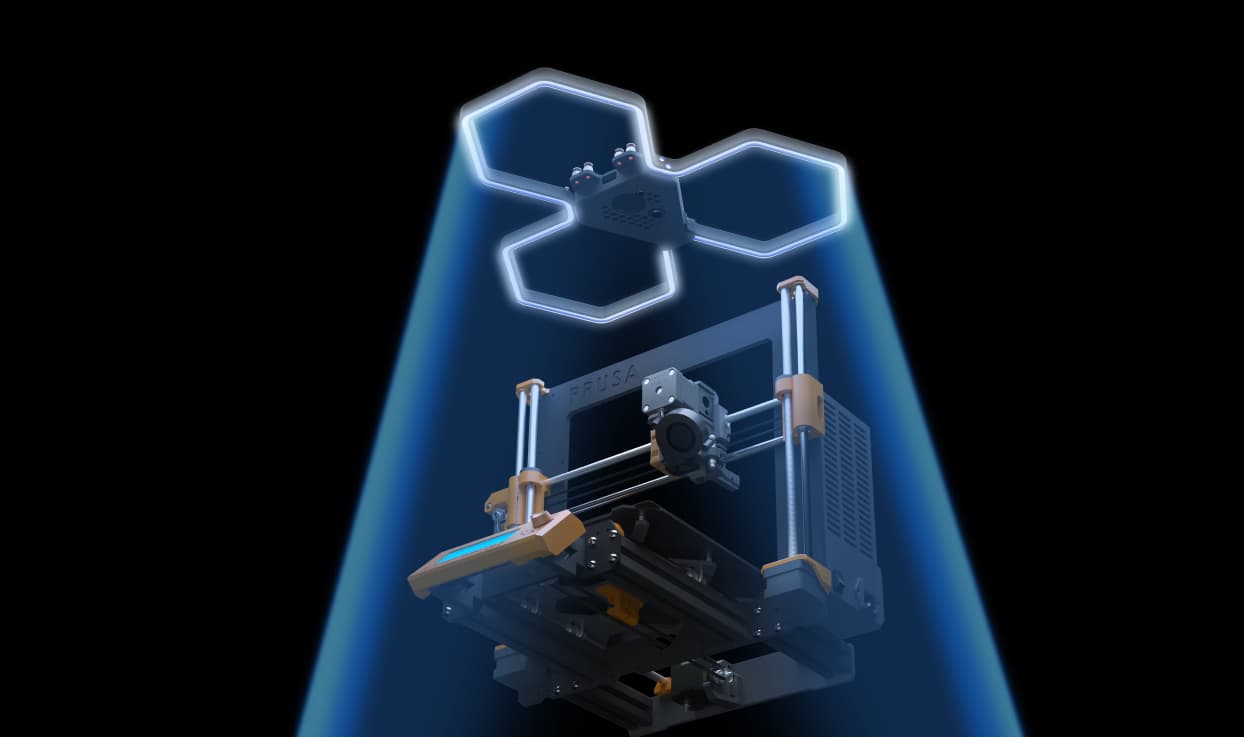
Integrated WS2812B Addressable LEDs serve two primary purposes:
- Status Feedback: The strip turns red when the smoke or gas alarm triggers.
- Aesthetic Lighting: Choose any colour and brightness to light up your setup.
5. Air Quality Sensing
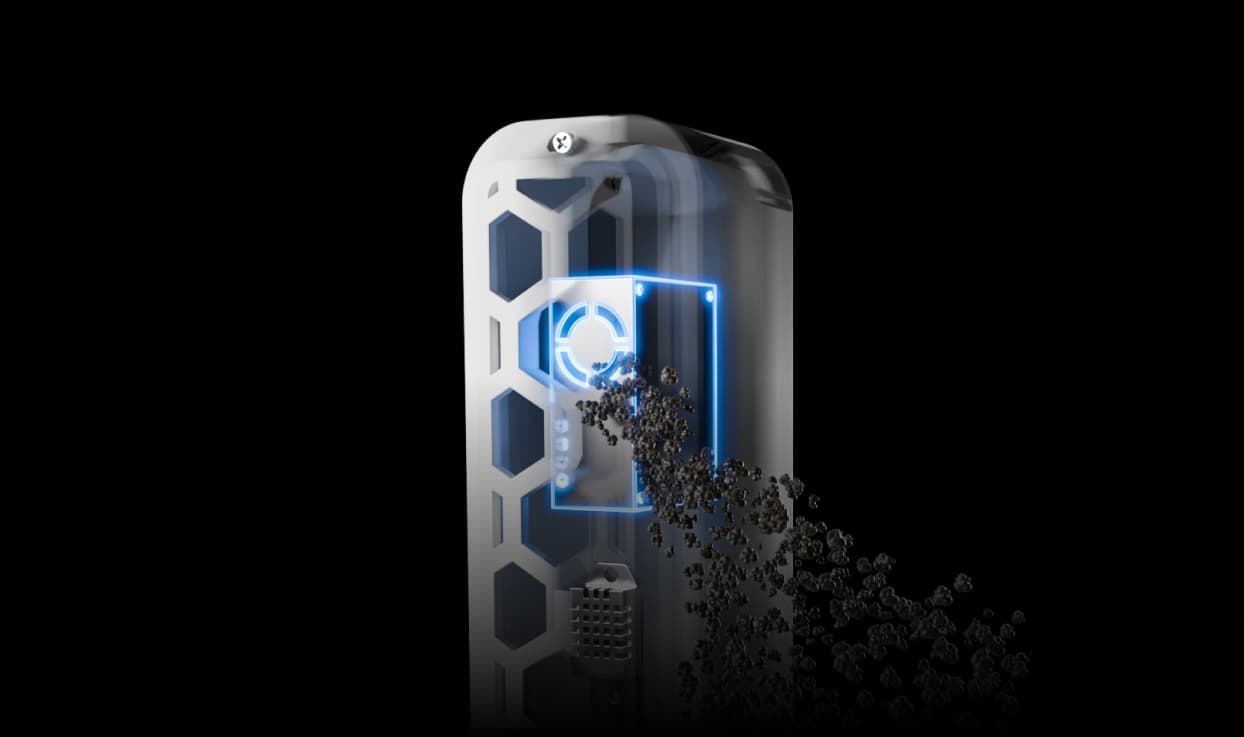
Clura uses the PMS5003 Laser Particle Counter to measure air quality and control the filtration fan speed. It detects a wide range of particle sizes: PM0.3, PM1, PM2.5, and PM10.
In automatic mode the filter fan ramps linearly from 20% to 100%, following whichever of these two inputs reports worse air:
| Input | Ramp starts at | Reaches 100% at |
|---|---|---|
| PM2.5 | autoFilterImpMin (5) | autoFilterImpMax (100) |
| PM0.3 | autoFilterP03Min (100) | autoFilterP03Max (2000) |
Below both starting points the fan is off. PM1 and PM10 are measured and logged, but are not part of the fan calculation.
All four thresholds are adjustable. See Configuration.
For reference, here is what the PM2.5 numbers mean in air quality terms:
| PM2.5 (µg/m³) | Air Quality |
|---|---|
| 0 - 12 | Excellent |
| 13 - 35 | Moderate |
| 36+ | Poor |
6. Environmental Sensing
Clura uses the following integrated sensor to monitor the environment :
- BME680: Temperature, humidity, pressure and gas resistance. The firmware turns the gas reading into an air quality score, shown as VOC on the Sensors page, on a 0 to 500 scale where lower is better.
7. Smoke/Fire Detection
Clura uses a redundant sensor array to detect smoke and flammable gas:
- MQ-2: Measures methane and flammable gases; it is the most cost-effective option, though it provides the least accuracy.
- MEMS: Smoke sensors from DF-Robotics; while not scientifically precise, they are highly effective for rapid detection.
- Optical (optional, not supplied): The board has an input for the same kind of sensor used in standard residential smoke detectors, if you want to add a third detection method yourself.
The optical input is disabled by default, because no optical sensor comes with the enclosure. The input is pulled high and reads as “smoke” when nothing is connected, so leaving it enabled on a board without one fitted would alarm permanently. If you fit your own, enable it with opticalAlarmEnable = 1 in data.clu and check that it reads clear when idle.
Out of the box the MQ-2 and MEMS sensors raise the alarm, and that is the intended setup. The optical input is there for people who want to add to it.
When smoke is detected the enclosure does more than beep. Every fan stops and the flap closes, so it is not feeding air to a fire or pushing smoke out through the filter. See Safety Systems for the full behaviour.